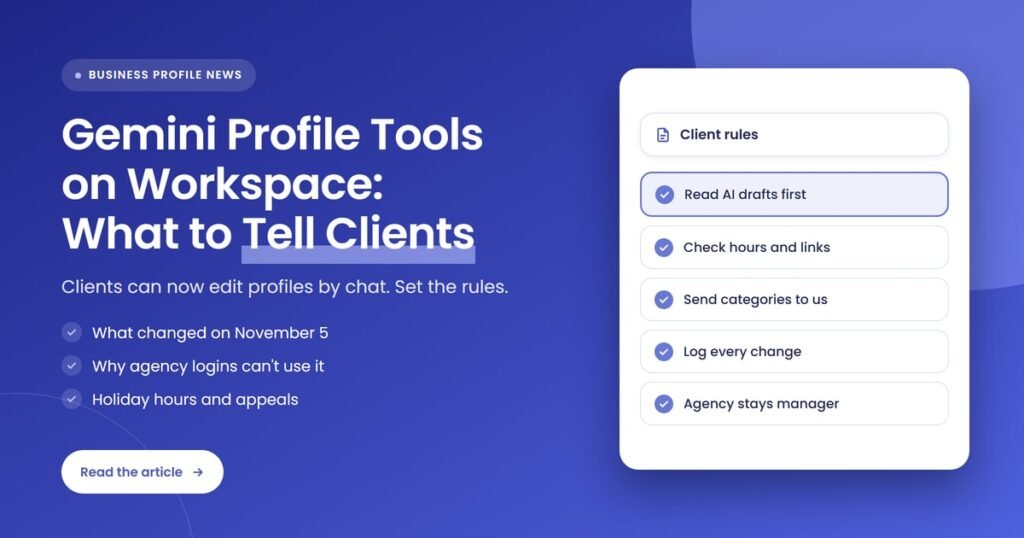
Quick answer: Google’s November 5, 2026 Small Business Bulletin says businesses can now connect a Business Profile to Gemini with a Google Workspace account, once their Workspace admin enables Gemini app access. The tool still only works for someone who manages one verified profile, so agency logins can’t use it yet. Tell clients what Gemini can change, and agree who approves edits.
Key takeaways
- Google’s Small Business Bulletin of November 5, 2026 says Workspace account access to Business Profile in Gemini is “rolling out now”, and that photo and video uploads in Gemini chats are live.
- A Workspace admin must enable Gemini app access in the Admin Console before a client can connect their profile with a work email.
- Google’s Gemini help page, checked on November 7, 2026, still says the feature isn’t available with a work or school account, so expect access to vary while the rollout runs.
- The connection only works for an owner or manager of one verified Business Profile, which rules out most agency logins that manage several clients.
- The Business Profile hours editor now has a “Generate hours” option that fills in hours from a plain-language description, in select regions and languages.
- The appeals tool now lets businesses attach evidence before submitting, and an appeal can only be submitted once.
What changed with Gemini’s Business Profile tools?
On November 5, 2026, Google said business owners can connect their verified Business Profile to the Gemini web app using a Google Workspace email, such as name@yourcompany.com, instead of a personal Gmail account. Google also made photo and video uploads available inside Gemini chats, so owners can update profile photos or publish posts with media from a chat.
Google first announced Business Profile tools for the Gemini app in June 2026. Search Engine Journal reported at the time that the connection let Gemini summarize performance, draft review replies, update hours and post seasonal updates, and that the rollout excluded the European Economic Area and the UK. Here is how the picture has moved since then:
- June 10, 2026: Search Engine Journal reports Google is adding a Business Profile connection and business notebooks to the Gemini app, rolling out globally except the EEA and UK.
- November 5, 2026: Lisa Landsman’s Google Small Business Bulletin announces Workspace account access (“rolling out now”) and photo and video uploads in chat (“live”). The same bulletin covers a holiday checklist, AI-generated business hours and a simpler appeals process.
- November 6, 2026: Search Engine Journal reports that the Gemini help page still requires a personal Google Account, and that the help page no longer lists the EEA and UK exclusion that appeared in an archived October 13 version.
- November 7, 2026: Our own check of the help page found the same wording: the feature “isn’t available if you sign in with a work or school Google Account” for now, and it is “available wherever the Gemini web app is supported.”
The bulletin itself mixes “rolling out now” with “You can soon connect”, and it gives no date for full availability. So the honest summary for clients is that Workspace access is arriving, not that every account has it today.
What is Google Business Profile in Gemini?
Google Business Profile in Gemini is a connected app inside the Gemini web app at gemini.google.com. Once a profile is connected, the owner can ask Gemini in plain language to read or change profile information, draft review replies, create posts and summarize performance, instead of doing each task in the Business Profile dashboard.
According to Google’s help page, a connected profile lets Gemini work with these areas:
| Area | What Gemini can do, per Google’s help page | What an agency should watch |
|---|---|---|
| Business hours | Change regular weekly hours or set special hours for holidays and events | Hours that don’t match the website or the real schedule |
| Contact info and action links | Review and change the website URL, social links and links for ordering, reservations or appointments | Tracked links replaced with untracked ones |
| Attributes and menus | Review and change attributes, and create or edit food menus | Attributes set without checking they are true |
| Media | Upload photos (the bulletin adds uploads from a device or Google Photos) | Low-quality or off-brand images going live |
| Reviews | Get reviews, summarize feedback, and draft or delete replies | AI-drafted replies posted without a read-through |
| Posts | Create, schedule, publish or delete Update, Offer and Event posts | Posts that clash with the agency’s content calendar |
| Insights | Analyze impressions, website clicks, direction requests, bookings and search keywords | Clients reading numbers without the context in your report |
The help page also describes a “business notebook” in Gemini that suggests actions, such as filling in missing hours or a description, or adding an exterior photo. That matters for agencies because Gemini may now be prompting your clients to make changes you would normally plan and approve.
Who can use Gemini’s Business Profile tools?
Per Google’s help page, the person connecting must be an owner or manager of only one verified Business Profile, be 18 or over, have Keep Activity turned on and use the Gemini web app. The page still says a personal Google Account is required, while the November bulletin says Workspace accounts are rolling out.
For Workspace accounts, the bulletin gives three steps:
- Check admin settings: the Workspace administrator confirms that Gemini app access is enabled in the Admin Console.
- Open Gemini: the user signs in to gemini.google.com with the Workspace business account.
- Connect the profile: the user types @Google Business Profile in the prompt bar and follows the authorization prompt.
If a client tries this and it doesn’t work, the most likely reasons are that the rollout hasn’t reached their account yet, that Gemini app access is turned off in their Workspace, or that the account has access to more than one verified profile.
Why can’t agencies use the Gemini connection for client profiles yet?
Google’s help page says the feature is “not available to owners or managers who have access to more than one verified Business Profile.” Most agency accounts manage several client profiles from one login, so they don’t qualify. Search Engine Journal drew the same conclusion: agencies managing multiple client profiles under one login can’t use it yet.
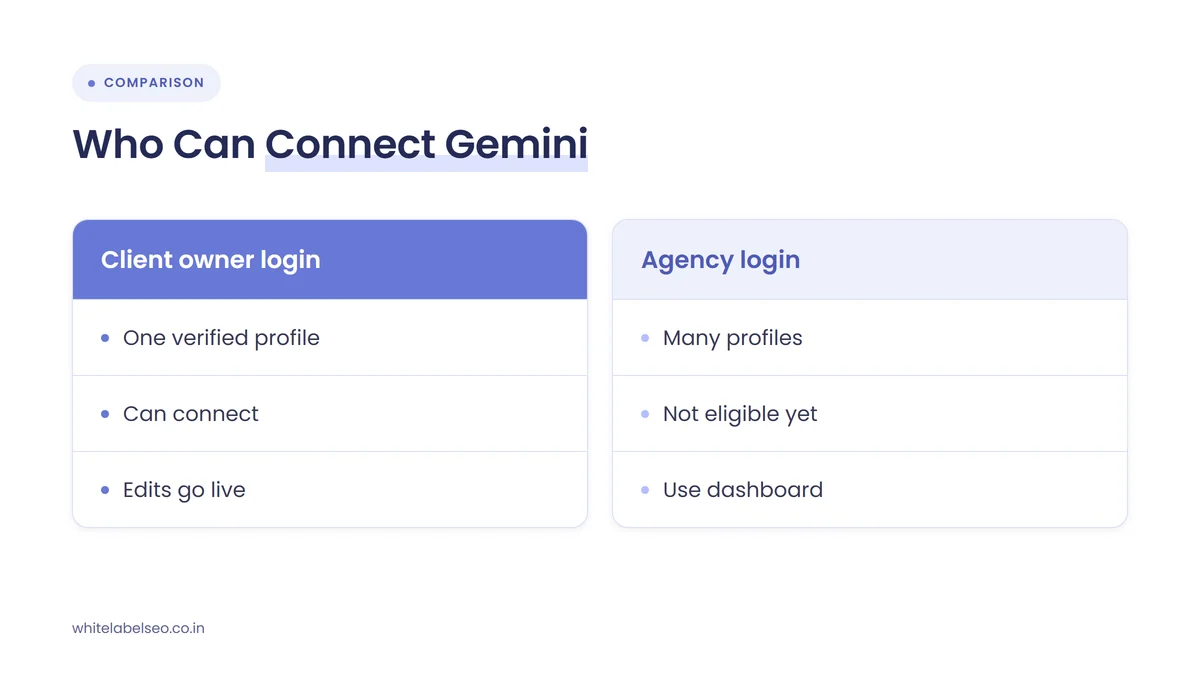
This creates an unusual split. The person most likely to use Gemini on a profile is now the client, not the agency doing the profile work. A practice manager or owner with a single profile and a Workspace email can ask Gemini to change hours, publish a post or reply to a review, and none of that passes through your process unless you agree how it should.
Don’t try to get around the limit by creating a separate agency login for each client or by asking clients to share their passwords. Google’s roles help page says each user needs their own Google Account so profiles can be managed without sharing a password. Keep the standard setup: the client stays the primary owner, and your agency is added as a manager.
What should agencies tell clients who start editing their profile with Gemini?
Tell clients that Gemini can now make real changes to their Business Profile, that those changes go live under their business name, and that edits work best when one person approves them. Agree which tasks they can do in Gemini, which tasks stay with you, and how they let you know when they change something.
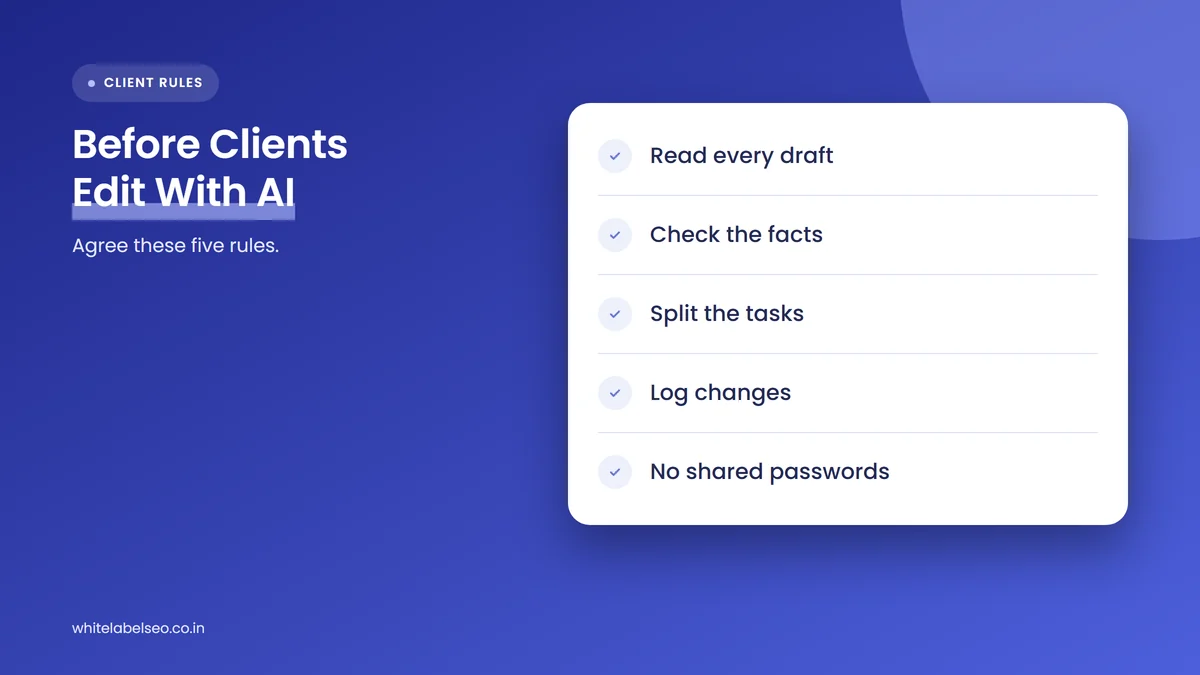
These are the points we would cover in a short client note or call:
- Read every AI draft before it goes live. Review replies, posts and descriptions written by Gemini publish under the client’s business name. Search Engine Journal made the same point about AI-drafted review replies when the feature launched.
- Check facts, not just wording. Hours, attributes, services and links must be true. An attribute or menu change that sounds right but isn’t accurate creates problems with customers and with Google’s guidelines.
- Agree who owns which tasks. For example, the client handles day-to-day review replies and ad hoc photos, and the agency handles categories, the business description, links, and the post calendar.
- Treat category suggestions as ideas, not instructions. Google’s bulletin suggests a prompt asking Gemini to suggest additional secondary categories. Ask clients to send any suggestion to you first, because categories shape which searches a profile appears for.
- Log changes. Ask the client to tell you when they change hours, links or categories, so your reports and audits explain any shift in calls, clicks or direction requests.
- Keep access clean. The client stays primary owner, the agency stays a manager, and nobody shares a password. If they use a Workspace account, their admin controls whether Gemini app access is on.
This conversation is easier if you set expectations about who does what at the start of the relationship. Our guide on setting SEO expectations with new clients covers how to put that in writing.
How should agencies handle holiday hours with Generate hours and Gemini?
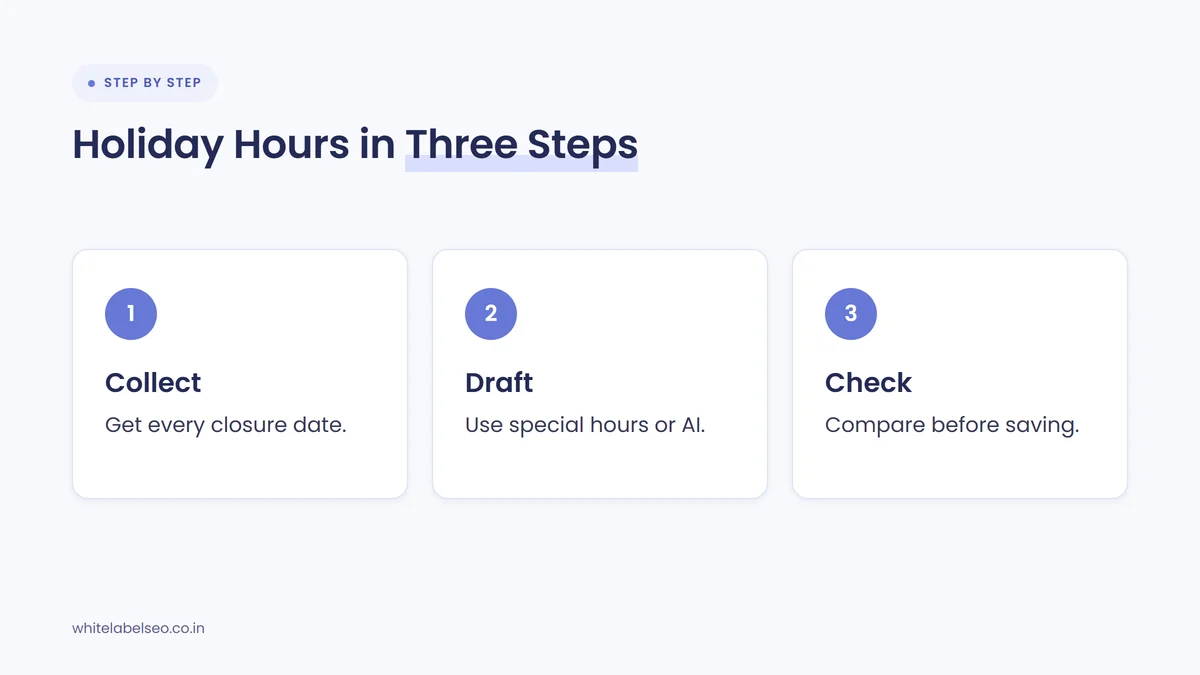
Ask clients to confirm their holiday schedule now, then set special hours in the profile and check the result before saving. Google’s bulletin lists special holiday hours first on its holiday checklist, and both Gemini and the new “Generate hours” option can fill hours in from a plain-language description, so a person still needs to check the output.
Google’s hours help page explains how Generate hours works. In the Business Profile, you select Edit profile, then Hours, describe the schedule in the “Generate hours” text box, and select Generate hours. Google updates the hours “with AI”, you can adjust them by hand, and nothing changes until you select Save. The page notes the feature is available in select regions and languages and may not appear for every user.
A simple holiday routine for each client looks like this:
- Collect the real schedule. Ask the client for every closure, early close and extended day between now and the new year.
- Draft it. Enter the schedule as special hours, or use Generate hours or Gemini if the client prefers to describe it in words.
- Check before saving. Compare each day against the client’s list, including breaks and closed days.
- Match the website. Make sure the website, booking system and any holiday banner show the same hours.
- Tell the client what customers will see. Google’s help page says an hours update can show a confirmation message on the profile and a post on the Updates tab on mobile, which the owner can edit or delete.
What changed with Business Profile appeals?
Google has streamlined the Business Profile appeals tool so you can upload supporting evidence before you submit an appeal. Evidence is optional but can include business registration, a license, tax certificates or utility bills. The business name and address on each document should match the profile, and an appeal can only be submitted once.
The one-submission rule is the part to share with clients. If a client’s profile is suspended, they shouldn’t rush an appeal on their own, and Google’s help page also says not to create a new Business Profile for the same business. Collect matching documents first, then submit one complete appeal. Our post on handling Business Profile suspensions for clients walks through the agency side of that process.
How does this fit into an agency’s Business Profile service?
Gemini does not replace a managed Business Profile service. It gives clients a faster way to make the edits they already could make, which raises the value of the parts that need judgment: category and service strategy, review response policy, post planning, link tracking, change monitoring and reporting that explains what happened.
In practice, we would adjust a Business Profile retainer in three ways:
- Add a change review. Check each client profile on a set schedule for edits nobody told you about, especially hours, links, categories and attributes.
- Write a short Gemini policy. One page per client on what they can change in Gemini, what to send to you first, and how to tell you about changes.
- Report the context. If a client uses Gemini to read their own insights, your monthly report should explain the same numbers alongside the work that drove them.
If you resell profile work, our GMB management services page shows what we handle under your agency’s brand, and our guide to SEO services agencies can resell covers how profile management sits next to other local SEO work.
What is still unclear?
This section is our reading of the sources, not a statement from Google. The bulletin and the help page disagree about work accounts, Google has not said when Workspace access will reach every account, and there is no sign yet of a version for people who manage several profiles. Expect the help page to change again.
Until Google updates the help page, treat Workspace access as a rollout that some clients will see before others. If a client tells you it doesn’t work for them, check the three likely causes above before raising it with Google.
Frequently asked questions
Can businesses use Gemini with a Google Workspace account to manage their Business Profile?
Google’s November 5, 2026 bulletin says Workspace account access is rolling out, once a Workspace admin enables Gemini app access in the Admin Console. Google’s help page still says work and school accounts aren’t supported for now, so access may vary by account during the rollout.
Can an agency manage client profiles through Gemini?
Not from a typical agency login. Google’s help page says the feature isn’t available to owners or managers with access to more than one verified Business Profile. A client who manages only their own profile can use it, which is why agencies need clear rules on who edits what.
Is Gemini’s Business Profile connection available in the UK and EEA?
Google’s help page now says it is available wherever the Gemini web app is supported. Search Engine Journal reported that an archived October 13, 2026 version excluded the EEA and the UK, and that Google’s bulletin did not mention regions.
What is “Generate hours” in Google Business Profile?
Generate hours is an option in the Business Profile hours editor. You describe your schedule in plain language, Google fills in the hours fields with AI, and you can adjust them before saving. Google says it is available in select regions and languages.
Can you add evidence to a Business Profile appeal?
Yes. Google’s appeals tool lets you upload optional evidence, such as business registration, a license, tax certificates or utility bills, before you submit. The name and address should match the profile, and each appeal can only be submitted once.
Should clients stop editing their own Business Profile?
No. It is their profile, and quick updates from the owner are often the most accurate. Agree which tasks they handle, ask them to read every AI draft before publishing, and have them tell you about changes to hours, links and categories.
What should you do next?
This week, send each local client a short note about Gemini’s Business Profile tools: what Gemini can change, which tasks stay with your team, and the rule that AI drafts get read before they go live. Confirm holiday hours, check that your agency is a manager and the client is the primary owner, and add a profile change review to your monthly routine. If you want a fulfillment team that runs these checks under your brand, see our white-label SEO services at White Label SEO.
Want a partner who keeps client profiles accurate?
At White Label SEO, we manage Business Profiles and local SEO under your agency’s brand, with clear notes on every change. Tell us about your clients, and we’ll show you how our process fits your agency.
Sources
- Google Business Profile Community, Lisa Landsman, “Google Small Business Bulletin: Holiday Checklist & New Features”, November 5, 2026. https://support.google.com/business/thread/476642299?hl=en
- Google Business Profile Help, “Manage your Business Profile on Google with the Gemini web app”, accessed November 7, 2026. https://support.google.com/business/answer/17142585?hl=en
- Google Business Profile Help, “Edit your business hours”, accessed November 7, 2026. https://support.google.com/business/answer/15300403
- Google Business Profile Help, “Fix suspended or disabled profiles”, accessed November 7, 2026. https://support.google.com/business/answer/4569145
- Google Business Profile Help, “Manage your Business Profile owners & managers”, accessed November 7, 2026. https://support.google.com/business/answer/3403100
- Search Engine Journal, “Google Gemini Business Profile Tools Are Coming To Workspace”, November 6, 2026. https://www.searchenginejournal.com/google-gemini-business-profile-workspace-2/596120/
- Search Engine Journal, “Google Is Adding Business Profile Tools To The Gemini App”, June 10, 2026. https://www.searchenginejournal.com/google-is-adding-business-profile-tools-to-the-gemini-app/578824/